Category: Selling

  • What Our Guests Think About Tech Reboot

    What Our Guests Think About Tech Reboot

    Tech Reboot is your certified refurbished smart device store. Not only can our guests buy top-of-the-line tech for an affordable price, but also sell their old and unused devices in any condition for the most money back guaranteed. 

    Not quite convinced? Well here is what some of our happy have said about Tech Reboot! 

    A very easy way to sell old devices

    A very easy way to sell old devices! I sold my MacBook using their website. The site was easy to use and I was able to easily go through each step very quickly. I live close to their local shop so I chose to bring in the device myself rather than shipping it. I brought it in and was paid the same day. Great experience and I highly recommend using them!

    • Michelle 

    Pretty awesome that they will pay you…

    Pretty awesome that they will pay you through Venmo, apple pay, whatever works best! Would recommend selling any electronic devices through them.

    • Danny 


    LOVE LOVE LOVE!

    Really enjoy this service. The convenience is top-notch and the process is super simple. I was even able to get paid through my Venmo account! As I cycle through my products, I will keep coming back to Tech Reboot to sell. Fast, easy, and reliable service.

    • Jamie 


    I sold my old phone to Tech Reboot

    I sold my old phone to Tech Reboot, who was offering a bit more than some of the other buyback websites. It was easy to send it in with the shipping label and packing slip they provided via email. From using the easy tracking tool on their site, I was able to watch my shipment, and then they paid me the very next business day. I definitely recommend them to friends looking to sell their old devices.

    • Chucky 


    I got cash for my old phone

    I got cash for my old phone. Doesn’t get any easier.

    • Albert 


    Fast and easy cash

    Straight forward process and easy to get money for some old phones in a drawer collecting dust. One was even pretty broken. Will definitely use it again and already told my friends about it.

    • James 


    Money in my pocket!

    Finally, a solution to put money back in my pocket after upgrading my devices! I had a drawer full of old devices and instead of them going to a landfill, I have money in my pocket and less stuff sitting around. Thank you Tech Reboot for doing what is right for the environment and giving old devices new life as well as helping me recoup some of my costs.

    • Amy 


    I sent my iPad to a major buy-back firm…

    I sent my iPad to a major buy-back firm I had used several times in the past. They received and assessed it and found two microphones were not working. I thought this was odd as I had conducted several flawless FaceTimes just before sending it to them. So, I declined their reduced offer and found Chris and Tech Reboot during a search. Chris was awesome from the start and sympathetic to my situation. He suggested I ship my IPad to them, free of charge, and they would assess the microphone findings and make me an offer depending on the outcome. I was pleasantly surprised when Chris emailed and said the IPad had passed the techs assessment and offered me the going rate, which I happily accepted. Chris was quick in responding to my inquiries, open, and honest. It’s not often that assessments go in the opposite direction in favor of the seller. I wholeheartedly and without reservation recommend Tech Reboot and will surely use their services for all my future needs. Overall, an easy, painless, and refreshing experience.

    • Rob 


    You, too, can receive amazing service like Michelle, Danny, and James from Tech Reboot!


    Original Photo Credit: Leni_und_Tom via Pixabay.com

  • How to Easily Make Money Before Your Vacation With Tech Reboot

    How to Easily Make Money Before Your Vacation With Tech Reboot

    Vacation fees can quickly add up and money can easily disappear, even if you budget and use Groupons. Whether you are traveling with your family on a staycation or you are traveling alone overseas, it is always a good idea to carry extra cash with you just in case of an emergency or if you want to have a little extra fun! 

    Keep reading to find out how to easily make money before your vacation with Tech Reboot

    What Is Tech Reboot? 

    Tech Reboot is your certified refurbished smart device store. In addition to recycling end-of-life smart devices, we refurbish and sell pre-owned devices for those seeking a great value solution for their tech needs. We also partner with local charities to make sure devices get into the hands of those who need them.

    How Do I Sell My Phone to Tech Reboot? 

    If you want to sell your unused smart device and make extra money in time for Spring and Summer Break, sell your phone to Tech Reboot ASAP! The newer your gadget, the more you make!

    Here’s how to get started!

    • Visit sell.techreboot.co and click “Sell Tech” at the very top of the screen. 

    • Choose your device’s category: Smartphone, tablet, smartwatch, computer, headphones, game console, speaker, Accessories.

    • Select your device’s brand: Apple, Samsung, Google, Microsoft, DELL, etc. 

    • Click on your device’s appropriate make and model. 

    • Once selected, you will answer a few questions about your device’s condition. 

    • From there, you will get a free instant quote! All you have to do next is ship your device to us and receive your payment within 48 hours of its arrival. 

    Why Sell My Phone to Tech Reboot?

    Why choose Tech Reboot? Simply because you stay safe and get paid! 

    • Our buyback program not only pays more than other options but also accepts devices in any condition. 

    • Using our online store, you can conduct a safe and secure transaction without any contact. You won’t need to meet up with strangers at random locations at risk of being scammed. 

    • Tech Reboot is great because we pay you quickly and easily! 

    • Zelle 

    • Paypal

    • Check 

    • CashApp 

    • Venmo 

    • Apple Pay  

    • Google Pay 

    Start saving for your dream vacation and easily make money with Tech Reboot today!


  • Sell Your Gadget for Some Green at Tech Reboot! 🍀

    Sell Your Gadget for Some Green at Tech Reboot!  🍀

    Make today your lucky day and sell your gadget for some green at Tech Reboot just in time for Saint Patrick’s Day! 

    Whether you have an old smartphone, damaged laptop, or unused tablet, you can sell your unwanted device in any condition to Tech Reboot for the most money back guaranteed. It’s as if you found the pot of gold at the end of the rainbow! 

    The end of this rainbow happens to be located in South Florida. If you are not in the area, you are not out of luck! Sell your phone from the comfort of your home with Tech Reboot’s online service.

     All you have to do is select “Sell Tech,” choose your device, fill out a few simple details, and voilà! You will then see your free instant quote for your device! 

    Once you accept the offer, submit your order and send your device over. Among many reasons, Tech Reboot is the reliable buyback company because you will receive your payment within 48 of your device’s arrival and can keep track of your shipment the entire time! 

    Receive Payments with: 

    • Paypal 

    • Zelle 

    • Check 

    • CashApp

    • Venmo 

    • Apple Pay

    • Google Pay 

    Tech Reboot loves the color green just as much as you do! Do you have a light green Samsung Galaxy Note20? A lime green iPhone 5c? A shamrock green Huawei P40? We will gladly buy your green gadgets from you! 

    Feeling like your luck has run out because you have a device that needs a repair or two? Head on over to iFixYouri, where expert technicians can get your device up and running in no time. 

    iFixYouri carries a series of high-quality phone accessories such as LAUT phone cases that feature the lucky and bright color.

    Whether you want to repair your device or sell it for extra cash, avoid getting pinched this Saint Patrick’s Day and wear your green proudly!


  • How to Safely Sell Your Device During a Pandemic

    How to Safely Sell Your Device During a Pandemic

    In a pre-covid world, someone may have gone to great lengths to sell their device to a total stranger if it involved a nice profit. But because of today’s regulations and concerns, people have to adjust and take extra precautions during these transactions to prevent the further spread of the virus. Regardless, it is still possible to sell your device and make a profit safely, and here’s how. 

    Sanitize Your Device Before You Sell It

    The Center for Disease Control and Prevention (CDC) reports that viruses and germs live on the surfaces of commonly touched objects for up to three days.

    You touch many surfaces every day, including your phone screen, keyboard, and remote. Washing your hands will not be enough to stop the spread of germs, especially if someone else touches these surfaces too.

    These germs are not like a software virus you can get on your computer or phone. Instead, they can make you sick if they happen to enter your system. 

    With that being said, here are some tips provided by the CDC to make sure that your device is properly sanitized. 

    • Before cleaning, unplug your device. 

    • Wipe the surface with a slightly damp cloth. 

    • Don’t submerge and wipe excessively. 

    • Use non-abrasive cleaning solutions rather than bleach. 

    • Avoid any openings of your device when using liquids.

    If you fail to clean your device properly, it can result in a lot of damage. If your device has water damage, isn’t charging, or won’t turn on after disinfection, go to a reliable, affordable tech repair service. 

    The most effective solution for your device if it has a cracked screen is to get it repaired. Bacteria can still gather in the cracks despite wiping the surface clean. 

    To minimize the germs, the CDC also recommends that you: 

    • Keep your device in your pocket or purse when outside of your home.

    • Use a physical shopping list rather than your device when grocery shopping. 

    • Use a credit card rather than mobile pay.

    • Only touch your device after you have washed your hands.

    • Use hands-free devices when making a call so your device is not pressed against your face.

    If you plan on selling your phone, tablet, or computer any time soon, make sure your device is as safe as possible for the next owner. 

    Keep Your Distance When You Sell Your Device

    Once your device is sanitized and ready to be sold, the next step to ensure that the transaction is safe is to keep your distance. 

    Despite the conditions of the world, it is still possible to safely sell your device in person. You need to make sure that you and the buyer are wearing masks and standing six feet apart. 

    If you do not feel comfortable casually selling your device to a stranger but still want to sell your device in person, turn to Tech Reboot. 

    Tech Reboot will buy your device back from you in any condition and guarantee that you receive the most money back. Every employee is required to wear a mask at all times, as well as sanitize countertops and keep a safe distance from each other. 

    The best part about Tech Reboot is that it also provides online services. When online, you can get an instant offer, easily ship your device, and receive your payment within days from the comfort of your home. 

    So whether you want to sell your phone in person or online, Tech Reboot is the best option if your phone is on the market.


    Original Photo Credit: Naipo.de Via Unsplash.com

  • Is an Apple TV Worth Buying?

    Is an Apple TV Worth Buying?

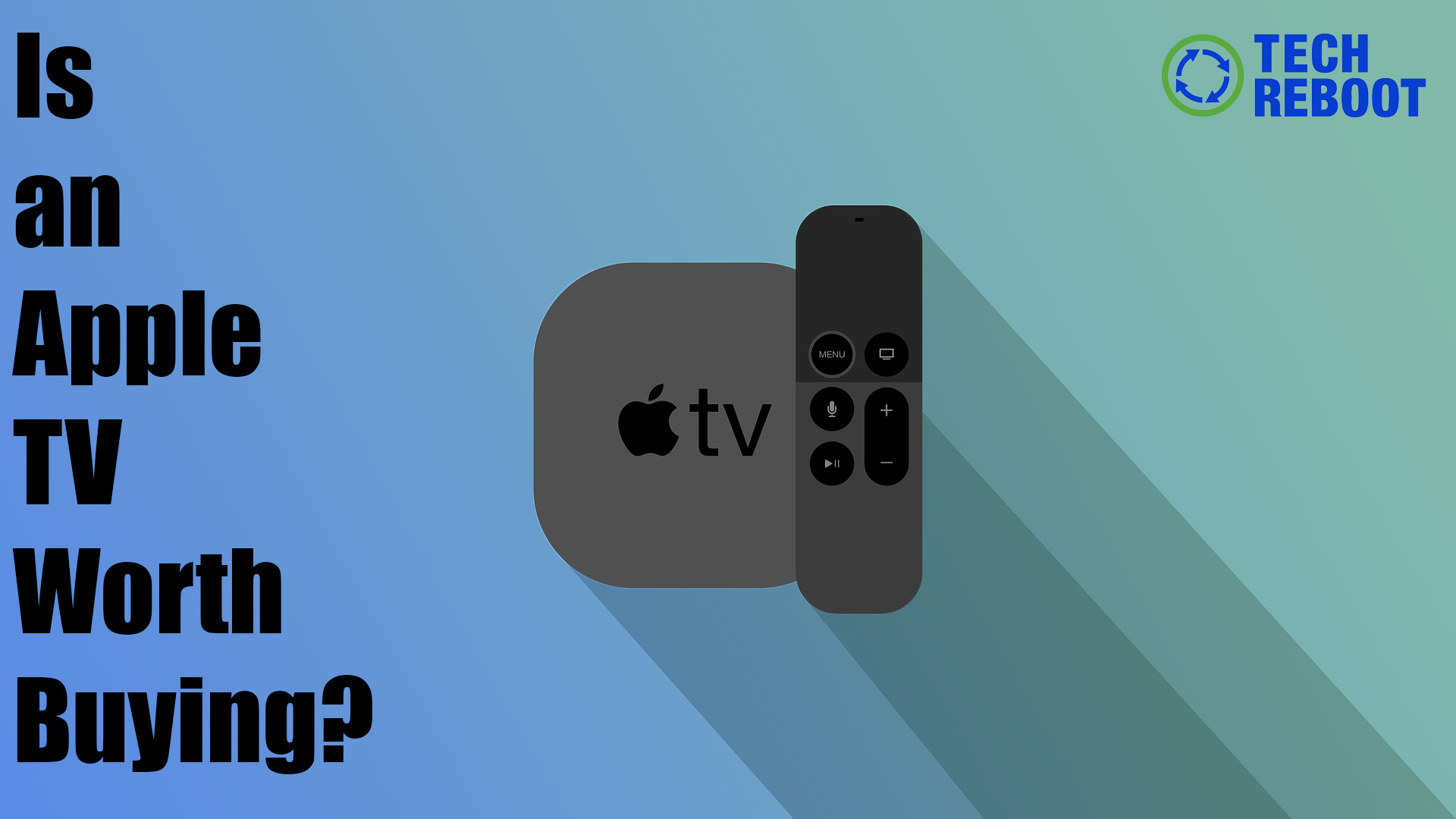
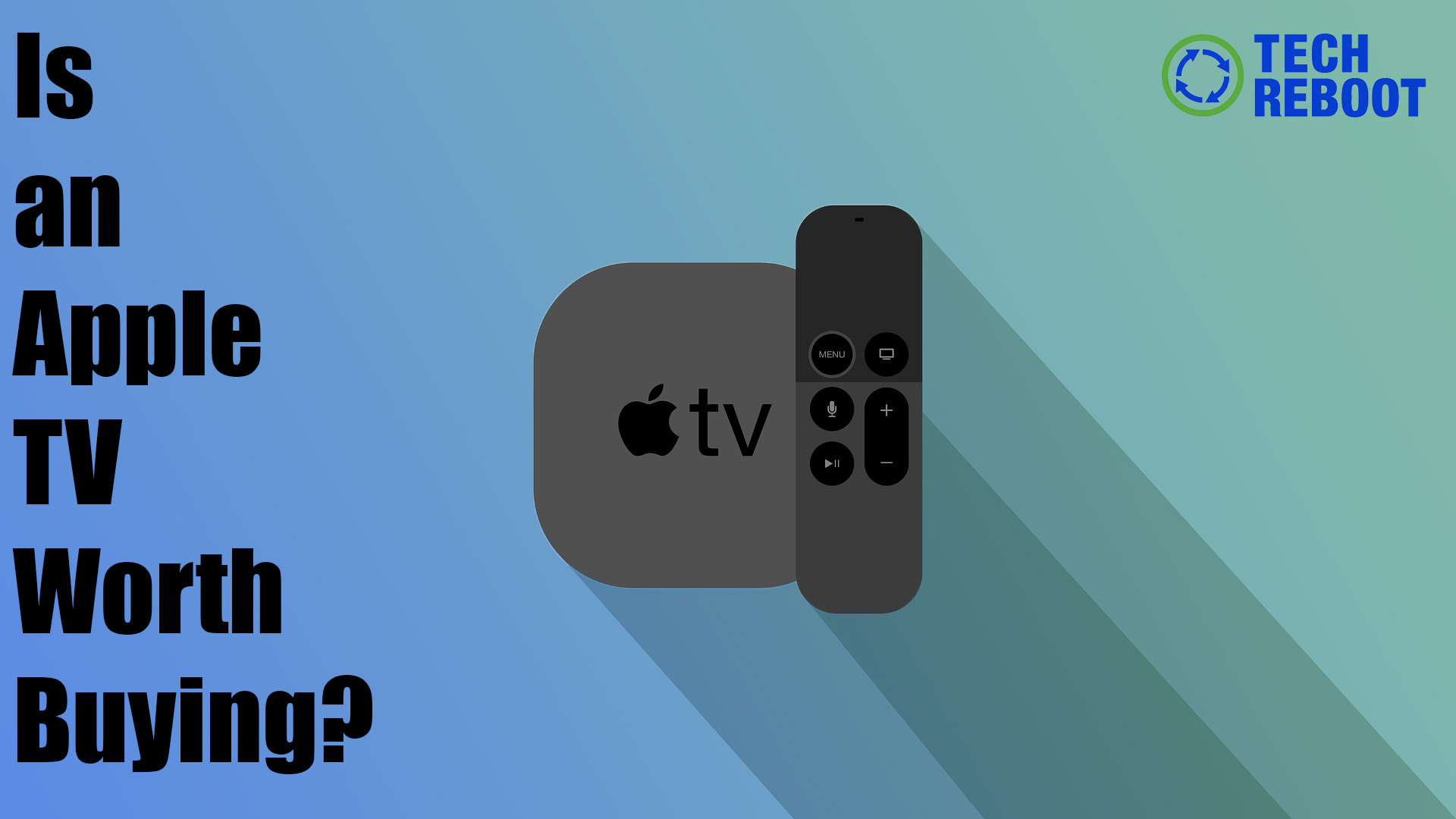
    Rumor has it that the 6th Gen Apple TV is hitting the market this spring. The compact media box has greatly improved since its first release in 2007, so expectations are high for this upcoming release. What can people expect, what improvements can be made, and is an Apple TV worth buying?

    Before You Continue Reading:

    Apple TV: A device that connects to your TV and allows you to stream videos, play music, download apps, etc. 

    Apple TV App: An app hub, where all of your features can be downloaded 

    Apple TV+: Apple’s streaming service 

    What Can You Do With an Apple TV? 

    Apple TV is known for its high-resolution video playback, Siri voice control interactions, and most recently Apple TV+, its streaming service. 

    Even though the device may appear intimidating, it’s quite simple to use.


    Once set up, you can still watch cable TV, as well as stream your favorite original shows from Apple TV+, Netflix, Hulu, and others alike. 


    You can also play music directly from your audio library and play games that can be found in the app store. 


    And not to worry if you do not have your Apple remote on hand. Opt to use your iPhone, iPad, or Apple Watch to have complete control over your TV. Your Apple TV is also compatible with Bluetooth accessories such as AirPods, keyboards, and game controllers.


    Apple has done a great job at making sure its device is accessible to everyone with its features that support all vision, hearing,  physical, and moto skills such as live captions, audio playback, and magnified text. 


    What Can the Apple TV Improve? 


    Apple TV’s main flaw is its lack of content and streaming service. 


    Even though Apple TV+ streams hundreds of shows, many being original features, it does not compare to other streaming services like Disney+ and Netflix. According to Bloomberg, Apple managed to reach 10 million subscribers in February 2020, but only half were found to use the service actively. 


    Critics say that the streaming service needs to focus on expanding its catalog with new and original shows, movies, and animations. But until then, Apple TV+ is not going to thrive the way it originally planned to. 


    Hopefully, the streaming service can improve alongside the device it is often streamed on. 


    How Much Is the Apple TV Worth? 


    Whether you need to make room for the new Apple TV or you no longer want the one you have now, you can make money for your device easily. 


    Tech Reboot offers cash for used Apple TVs. The trade-in value of your Apple TV depends on its model, condition, and included accessories. Fully functioning units are worth the most, but broken ones can still be worth cash.

    Older models lose value over time when new models are introduced, so it is best to sell yours now while you still have the remote control and the power cable.

    Tech Reboot always offers competitive prices on popular electronics and smart devices, so that our visitors can get the best price out of us. Listed on our website, your Apple TV will sell for a fair price, and you will have the most straightforward, easy-to-use user experience available.

    Sell Your Apple TV for Cash

    We’ll give you an instant quote for your Apple TV if you use our search feature on our website or simply select Sell > Accessories > Apple TV. Just enter your model number and the quote will show up instantly.

    The Tech Reboot website is designed to make it the fastest, easiest way online to sell your Apple TV. You will receive a shipping label and shipping slip by email, so you can send your Apple TV the instant you’ve completed your quote.

    Selling your old or unwanted Apple TV for cash is easier than binging your favorite Apple TV+ original with our website. There are several generations of this incredibly impressive streaming device, so check out our Apple TV buying page to find out the most current pricing.

    How Do I Sell My Apple TV?

    That’s easy. Just do this:

    1. Select Sell > Accessories > Apple TV

    2. Choose your generation Apple TV

    3. Answer questions about the storage, accessories, and condition of your Apple TV

    4. Ship your device to use with the included shipping label

      Original Photo Credit: Sharan_Vijayagopal via Pixabay

  • What We Know So Far About The Upcoming iOS 14.5 Update

    What We  Know So Far About The Upcoming iOS 14.5 Update

    Several things in this life get better with time: cheese, wine, denim, iOS updates. There is an emphasis on iOS updates. 

    Apple released iOS14 back in September 2020, right before the iPhone 12 series hit the market. Since then, a newer version of the operating system has been available every month. People are anticipating the release of iOS 14.5 sometime in February because of all of its new features. 

    Here is what you should know and expect to see from the iOS 14.5 update.

    Device Compatibility 

    The latest version of the Apple operating system is compatible with phone models as old as the iPhone 6S. It is also compatible with the seventh-gen iPod Touch. 

    If you have a fear of missing out on all of the new features, be sure to buy an iPhone for an affordable price. 

    How To Download iOS 14.5 

    At the moment, an iOS 14.5 download is only available through Apple’s Beta Software Program. We do not recommend that you go through with the public beta download because it may have bugs that could damage your device

    When the finalized version does become available for download, all you have to do is open the Settings app, select General, select Software Update, and follow the instructions displayed on your phone’s screen.

    What Is to Come? 

    Apple’s iOS 14.5 brings new emojis, an updated Siri, and an improved Face ID, just to name a few. 

    Over 200 New Emojis 

    One of the best parts about iOS updates is the new emojis. They are more inclusive and expressive than ever before.

    • Gender and race variations

    • AirPods Max Pro instead of over-the-ear headphones 

    • A heart surrounded by flames

    • A syringe without blood 

    • An exhaling emoji face 

    • An emoji face with its head in the clouds

    • Helmets on rock climbers

    These small details matter and will surely make a difference in the way people express themselves through text. 

    Hey Siri, What’s New? 

    If you own an iPhone, you would know that Siri is essentially your assistant that fits in your back pocket. It is useful and gives you directions when you are lost, tells you jokes when you are blue, and finds you different recipes when you are hungry. But with iOS 14.5, it can now call authorities when you are in danger. 

    You just have to say is “Hey Siri, call emergency,” and your phone will dial 911. If you did not mean to make this request, you have three seconds to cancel the call. 

    The next Siri update has to do with your music.

    Typically when you ask Siri to play a song, it defaults to Apple Music. With the new update, Siri will give you the option to choose from every music streaming app you have downloaded, such as Spotify and Pandora. From there, choose which one you would like to set as the default. 

    Facemask Recognition

    An unexpected annoyance that occurred this past year is having to take off your facemask or enter a passcode to unlock your iPhone because Face ID does not recognize you. 

    With iOS 14.5, you have the option to unlock your phone while still wearing your mask- but the catch is that you have to own an Apple Watch

    As long as your watch is on and unlocked, it will notify you when your phone is unlocked too. 

    More Privacy 

    The update also brings more privacy and transparency. Your apps are now required to ask for permission before tracking your activity and data. 

    In Conclusion 

    Not every detail about iOS 14.5 is known yet, but what we do know is exciting enough. What about the update are you the most excited about?


    Photo Credit: Hermann Via Pixabay

  • Does Tech Reboot Accept All Tech?

    Does Tech Reboot Accept All Tech?

      Tech Reboot is a certified refurbished smart device store that not only buys and recycles end-of-life tech but also sells pre-owned devices for those who are seeking a great deal. 


      But exactly which smart devices are refurbished, and does Tech Reboot buy all tech? 


      To start, Tech Reboot accepts (As of February 2021): 


      Smartphones: 

      Apple

      • iPhone 5C – iPhone 12 

      Samsung

      • Samsung Galaxy S Line 

      • Samsung Galaxy Note Line 

      Google 

      • Google Pixel 3a

      • Google Pixel 3a XL

      • Google Pixel 3

      • Google Pixel 3 XL

      • Google Pixel 4a

      • Google Pixel 4

      • Google Pixel 4 XL 

      OnePlus 

      • OnePlus 6

      • OnePlus 6T

      • OnePlus 7T

      • OnePlus 7 Pro 5G 

      • OnePlus 7 Pro 

      • OnePlus 8

      • OnePlus 8 5G

      • OnePlus 7T Pro McLaren

      • OnePlus 8 Pro

      LG 

      • LG Q7 Plus 

      • LG G5

      • LG V10 

      • LG V20

      • LG G6

      • LG V30

      • LG G7 ThinQ

      • LG V35 ThinQ

      • LG V40 ThinQ

      • LG V30 Plus 

      • LG G8 ThinQ

      • LG V50 ThinQ 5G

      • LG V60 ThinQ 5G 

      • LG Velvet 5G 

      HTC

      • HTC U11

      • HTC U12 Plus

      Nokia 

      • Nokia 7.2

      • Nokia 9 PureView 

      Huawei 

      • Huawei Mate 20 Pro

      • Huawei Mate P30 Pro 

      • Huawei  Mate 30 Pro 

      • Huawei P40 Pro 

      • Huawei Mate XS 

      Motorola 

      • Motorola Z4

      • Motorola Zoom 

      • Motorola Edge Plus 

      • Motorola Razr 2020


      Tablets: 

      Apple 

      • iPads 

      Microsoft 

      • Surface Pros 


      Smartwatches

      Apple 

      • Apple Watch Series 1- 5

      Samsung 

      • Samsung Galaxy Watch 3 


      Computers: 

      Dell

      • Latitude 9000 Series 

      Apple 

      • Mac Mini (2010)

      • Mac Mini

      • MacBook Pro

      • MacBook Air

      Microsoft 

      • Microsoft Surface Laptop 


      Headphones: 

      Apple 

      • Apple AirPods First Gen


      Game Consoles:

      Nintendo 

      • Nintendo Switch 

      • Wii U

      • Wii

      Sony 

      • Sony PSP 2000

      Microsoft 

      • Xbox One 

      • Xbox 360 Slim 


      Speakers:

      Apple

      • HomePod


      Accessories:

      Apple 

      • Apple TV 4K (Fifth Gen)

      • Apple Pencil (First Gen)

      • Apple Pencil (Second Gen)

      • Apple Magic Keyboard- iPad Pro 

      • Apple Smart Keyboard Folio 


      So what if you have a smart device that is not listed above, like a PlayStation or AirPods Pro? Just because your device is not listed does not mean Tech Reboot won’t buy it. 


      Tech Reboot is always adding new devices to the list, so just keeping checking back for updates. You can also email Tech Reboot at support@techreboot.co

      Original Photo Credit: Christopher Gower 

  • How To Determine Your Phone’s Condition Before Selling It

    How To Determine Your Phone’s Condition Before Selling It

    At Tech Reboot, we determine a phone’s condition before selling it to a customer with the help of our expert technicians and PhoneCheck Certification

    But if you are not a tech expert or have a certification program at your disposal, what is the significance of checking your phone’s condition?

    Well, first of all, Tech Reboot not only sells tech but buys it too. This means that the better the condition, the more money you make. Also, it is nice to know if your phone, tablet, or laptop is in great shape beyond its outer appearance. 

    Keep reading to find out how to properly determine your phone’s condition at home before selling it!

    Note: An iPhone 8 Plus will be used as an example throughout the blog. 

    Make Sure Your Device Powers On and Off 

    For your phone to function, it obviously needs to be able to power on and off.

    To turn off an iPhone, hold down the lock button (right side of the phone) and the volume button (left side of the phone) at the same time. The phone should power off in a few seconds. Repeat the same steps to turn your phone back on. 

    If your phone does not power on or off successfully, there may be an issue with your software, or you need a button repair done. 

    Make Sure Your Device Can Hold a Charge 

    A phone’s battery life is another determining factor of how good its condition is. 

    When you plug in your iPhone, you should either hear a chime or feel it vibrate, as well as see a lightning bolt icon appear in the upper right corner. 

    While on the charger, you will track how long it takes your phone to reach a full battery. According to Apple, it takes about three hours for a dead phone to charge to 100 percent. 

    You should also track how long it takes for your battery life to dwindle. If your battery percentage significantly drops after a short period or the percentage does not increase after hours of being charged, you need to get a battery replacement. And if your phone doesn’t charge, to begin with, you probably need a lightning dock repair

    Test All The Buttons

    There are several buttons on your iPhone, and they all serve a different purpose. 

    • Home Button

    • Volume Buttons 

    • Vibrate Button 

    • Power Button 

    Before you consider selling your phone, you need to make sure that these buttons function correctly. 

    Test Your Mics and Cameras

    It would be unfortunate if you were on an important phone call or recorded a video only to realize that the audio is awful. 

    To test your mics, go to your Camera app and record a video with your front and rear cameras. Make sure to speak into the microphone at the top of the phone. When you playback the videos, the audio should be clear and easy to hear. 

    While in the Camera app, test its quality as well. First, take a selfie. Make sure that the camera can focus on you and the final image is not grainy. Then flip the camera and look for the same requirements. Also, check if the flash works. 

    Then record in your Voice Memo app and speak into the mic at the bottom of your phone. When you play the audio back, it should sound clear as well. 

    If your mics or cameras fail, you can always to iFixYouri, Tech Reboot’s sister company, to take care of all of your device’s issues

    Test Your Touch Screen and LCD

    It does not make sense to own a touch screen phone that does not have a functioning touch screen or LCD.

    To test your touch screen, slide your finger across the screen to swipe through pages, open apps, swipe up for the control panel, and swipe down for the notification center. As for the LCD, make sure that your phone’s screen is lit up and does not have any dark areas. 

    Tech Reboot Will Buy Your Phone in Any Condition

    The last thing you should do before selling your phone is checking for any surface imperfections, such as cracks, dents, and scratches. Take note of every flaw so you can select the proper condition in the selling process. 

    Tech Reboot categorizes phones in five conditions: Brand New, Excellent, Good, Fair, and Broken. 

    Brand New

    • Brand new 

    • Original seal

    • No iCloud lock present 

    Excellent

    • Just a few tiny scratches 

    • Fully functional 

    • No water damage 

    • Signed out from iCloud/ Google/ Samsung account 

    • Find My iPhone is turned off 

    Good

    • The device has some scratches 

    • No nicks 

    • No dents 

    • Fully functional 

    • No water damage 

    • Signed out from iCloud/ Google/ Samsung account 

    • Find My iPhone is turned off 

    Fair

    • The device has scratches 

    • Big nicks or dents 

    • Fully functional- Heavy signs of use 

    • No water damage

    • Signed out from iCloud/ Google/ Samsung account 

    • Find My iPhone is turned off 

    Broken

    • The device has some issues 

    • Cracked glass

    • LCD burn 

    • No Face ID 

    • Bad microphone 

    • Bad speaker 

    • Bad camera 

    • Signed out from iCloud/ Google/ Samsung account 

    • Find My iPhone is turned off 

    Whether your device is nearly flawless or covered in flaws, Tech Reboot is happy to buy your unwanted device from you and give you your money’s worth.


    Photo Credit: Karolina Grabowsa Via Pexels.


  • Tech Reboot Sells PhoneCheck Certified Devices

    Tech  Reboot Sells PhoneCheck Certified Devices

    When you buy an iPhone from Tech Reboot, you won’t have to worry about imperfections caused by its previous owner, thanks to our expert repair technicians and official certification tests. 

    Every Mac, Android, iOS, and PC device sold is PhoneCheck certified, meaning all components are tested and passed before it is ready for purchase.

    According to PhoneCheck, it is the industry standard in used device certification.  

    PhoneCheck Certifications: 

    Lock Detection,

    which checks for manufacturer, carrier, and software locks. 

    Diagnostics,

    which is a computerized component functionality scan. 

    Battery Health,

    which checks a battery’s capacity to receive and hold a charge.

    Authenticity, 

    which calls for replacement parts and a background check. 

    Cellular Service,

    which checks the SIM card and places a test call and SMS message.  

    Erase and Reset, 

    which performs a secure data wipe and reset to factory settings. 

    There are dozens of other specific tests done by PhoneCheck to ensure that you end up with a device in excellent condition. 

    If there is ever a time when a component of a  device fails a test, such as Touch or Face ID, Tech Reboot will inform you of the hiccup before purchase. Many times, these types of phones cost significantly less than others.


  • Your Child May Have a Technology Addiction: Here’s The Signs and Solutions According to Experts

    Your Child May Have a Technology Addiction: Here’s The Signs and Solutions According to Experts

    Parents love seeing the glow in their children’s eyes when they light up with joy. Sometimes it is just the radiant light of a smart device. According to child development experts, this can be a huge issue. 


    Renowned Addiction Expert Dr. Nicholas Kardaras says a technology addiction is just as intense as drug addiction- and both are hard to kick without the proper help.


     He also believes addiction can start at a very young age. Research shows that 1 in 3 toddlers use smart devices before they can even speak. 


    As these children get older, they also grow more attached to their devices and sometimes develop a full-blown addiction.


    Here are a few signs that your child has an addiction to technology

    • Your child experiences mood swings when they are not around their device.

    • Your child has a lack of interest in other activities not on their device.

    • Your child gets distracted and begs to use their device.

    • Your child is experiencing withdrawal symptoms. 


    Mood Swings and Lack of Interest  


    As these children get older, they also grow more attached to their devices and sometimes develop a full-blown addiction.


    Stand-out signs are your child becoming angry or violent when the device is taken away, failing in school, or refusing to eat and sleep.


    These children feel as if they have to plug in to calm down or function properly. 


    If your child does not want to participate in any activity not involving their device, such as playing outside, making arts-an-crafts, or even hanging out with friends, it may be time to combat the issue. 


    Distractions and Withdrawals 


    Children who are addicted to technology tend to get easily distracted from simple tasks. 


    If a toddler’s tablet suddenly dies, they most likely will keep checking if the device is ready to use again rather than do another task. 


    You will also witness your child go through a withdrawal if you suddenly remove their device. Symptoms include anxiety, stress, and an irritable temper. 


    Long-Term Effects of Technology Addiction


    A bad temper and lack of interest can be fixed, but according to Dr. Kardaras, technology addiction can have long-term effects. 


    One effect is the lack of creativity and imagination. A child’s neuro synaptic muscles weaken over time when looking at a device. As images on their tablet or phone are ingrained in their mind, children no longer find the need to use their imagination. 


    Sensory overload is another long-term effect of technology addiction because all of the information a device provides becomes overwhelming. 


    Solutions to Break a Technology Addiction


    Many issues start at home, but so do solutions. 


    If you want to break your child’s addiction to technology, you have to make sure that you are not addicted yourself because they will naturally follow your lead. 


    Rather than shaming your child for being overly attached, set time aside to spend quality time together. 


    Another effective way to break the addiction is to make your child digital detox. A digital detox is often a 72-hour period without technology, which will allow your child to reconnect with people and their natural environment. 


    Ending the detox is sometimes the most difficult part of the process. Before you do this, experts recommend that you set clear expectations and rules, as well as a limited screen time in the device’s settings. 


    If you feel that this is not the right option for you and your child, you can always sell your tablet, smartphone, computer, or whatever else to a tech buy-back company. As a plus, you can invest the money you make into a class or hobby for your child. 


    Regardless, there are positives of smart devices. For instance, they make for great entertainment and can boost a child’s desire to learn online. But no matter what, there should always be a healthy balance. 

    Photo Credit: Kelly Sikkema Via Unsplash.com