Category: General

  • Why Taking Care of Your Smartphone Matters

    Why Taking Care of Your Smartphone Matters

    Before we begin, if you need cash now, get a free quote from Tech Reboot for your old phone. We offer cash for used devices. Now for the content…

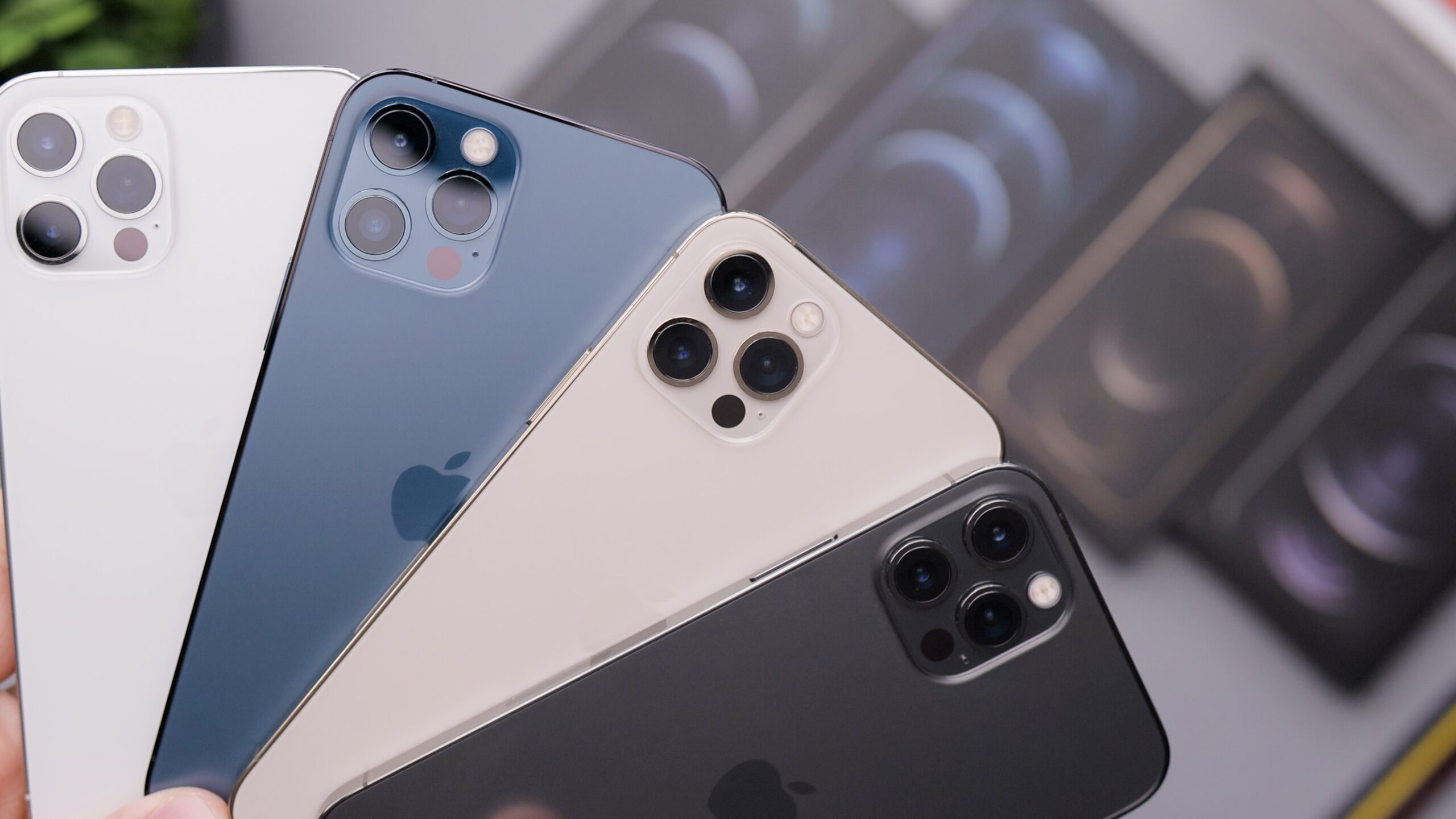
    Smartphones have become our trusty sidekicks. They help us stay connected, get stuff done, and even keep us entertained during those long commutes. But here’s the kicker – we often don’t give our beloved gadgets the TLC they deserve. In this blog post, we’re going to chat about why giving your smartphone some regular love and attention is a must for all you smartphone aficionados out there.

    Keepin’ It Alive for Longer

    Like any piece of tech, smartphones have a shelf life. But guess what? You can stretch that life with some good old-fashioned maintenance. By looking after your device, you can push back that dreaded “time for a new phone” moment, which means saving both your hard-earned cash and Mother Earth. What kind of maintenance, you ask? Stuff like keeping the screen clean, updating your software, and swapping out those tired batteries.

    Smooth Sailing All the Way

    Over time, smartphones collect all sorts of digital junk – cached data, temporary files, and sneaky background apps that hog resources. This can slow your phone down, drain the battery, and just make everything feel sluggish. But don’t fret – regular maintenance can save the day. Clearing out that digital clutter, closing apps you don’t need, and giving your phone a little tune-up can keep it running like a champ.

    Locking It Down

    Your smartphone isn’t just a fancy gadget; it’s a treasure trove of your personal info. From emails to banking apps, your life’s in there! Security is key, and that means staying on top of updates.

    Manufacturers release updates to keep the bad guys out and your data safe. Skipping these updates is like leaving your front door wide open for digital burglars – not cool!

    Back It Up, Baby!

    Losing precious data on your smartphone is a nightmare. Photos, contacts, messages – all gone in a flash. But here’s the deal: regular backups are your safety net. Back up your data to the cloud or an external storage buddy. That way, even if your phone takes a nosedive, your cherished info stays safe and sound.

    Looking Good, Feelin’ Good

    A well-kept smartphone isn’t just about performance; it’s also about looks. A clean screen, a scratch-free case – it’s like giving your phone a mini-spa day. Using protective cases and screen shields is like dressing it in armor, keeping it stylish and safe.

    Saving Your Hard-Earned Bucks

    Ignoring smartphone maintenance can cost you a pretty penny. Repairs or a new phone can be a wallet-buster. Instead, invest a bit of time and effort in regular upkeep. It’s like insurance for your tech happiness – prevent problems before they pop up.

    Eco-Friendly Vibes

    Did you know that smartphone manufacturing and disposal take a toll on our planet? By keeping your device in top shape through regular maintenance, you’re helping reduce electronic waste. It’s a small effort, but it adds up to a greener world for all of us.

    In a nutshell, your smartphone isn’t just a gadget; it’s your trusty sidekick in the modern world. Regular maintenance isn’t a chore; it’s an act of love for your device. It’ll keep your phone humming along smoothly, your data safe, and your wallet happy. So, don’t wait until your smartphone starts acting funky or showing its age. Show it some love regularly, and you’ll enjoy a smoother, safer, and longer-lasting smartphone experience. Cheers to tech-savvy you!

    Photo by Rodion Kutsaiev on Unsplash

  • A Journey Through Time: The History of Video Game Systems

    A Journey Through Time: The History of Video Game Systems

    Video games have come a long way since their humble beginnings as pixelated adventures on a black-and-white screen. The history of video game systems is a fascinating journey that has seen countless innovations, technological leaps, and cultural shifts. In this blog post, we’ll take you on a chronological tour of the evolution of video game systems, from their inception to the cutting-edge consoles of today.

    The Birth of Gaming: The 1950s and 1960s

    The roots of video game systems can be traced back to the 1950s and 1960s, when scientists and engineers began experimenting with digital technologies. One of the earliest examples of an interactive electronic game was “Tennis for Two,” created by physicist William Higinbotham in 1958. This game, displayed on an oscilloscope screen, allowed players to control a paddle and play a simplified version of tennis.

    The First Commercial Video Game: The Magnavox Odyssey (1972)

    The true birth of the video game console industry came in 1972 with the release of the Magnavox Odyssey, designed by engineer Ralph Baer. It allowed players to interact with a TV screen, offering a limited selection of games like Pong and Table Tennis. The Odyssey marked the beginning of home video gaming, even though it was relatively simple by today’s standards.

    The Golden Age of Arcades: The Late 1970s and Early 1980s

    While home consoles were emerging, the late 1970s and early 1980s witnessed the rise of the arcade industry. Games like Space Invaders, Pac-Man, and Donkey Kong became iconic titles that captivated players around the world. These arcade machines showcased the potential of interactive entertainment and laid the foundation for the popularity of video games.

    The Video Game Crash of 1983

    The early 1980s also brought about a challenging period for the video game industry. Oversaturation of low-quality games and the market’s inability to sustain the demand led to the video game crash of 1983. This crisis resulted in the bankruptcy of many video game companies and a temporary decline in the industry.

    The NES Revolution: Nintendo Entertainment System (1985)

    The revival of the video game industry can be largely attributed to the release of the Nintendo Entertainment System (NES) in 1985. With classics like Super Mario Bros. and The Legend of Zelda, the NES reignited interest in home gaming. Nintendo’s strict quality control and the introduction of the iconic “Seal of Quality” restored consumer trust and set a new standard for console gaming.

    The 16-Bit Era: Sega Genesis and Super Nintendo (Late 1980s-1990s)

    The late 1980s and early 1990s saw a fierce rivalry between Sega and Nintendo. Sega’s Genesis and Nintendo’s Super Nintendo (SNES) represented the 16-bit era and delivered groundbreaking graphics and gameplay. Iconic characters like Sonic the Hedgehog and Mario continued to define the industry during this period.

    The 3D Revolution: Sony PlayStation (1994)

    In 1994, Sony entered the console market with the PlayStation. Boasting 3D graphics and a CD-based format, it revolutionized gaming. Titles like Final Fantasy VII and Metal Gear Solid set new storytelling and cinematic standards for the medium. The PlayStation’s success signaled the shift from 2D to 3D gaming.

    The New Millennium: Xbox, PlayStation 2, and Beyond (2000s)

    The early 2000s witnessed the introduction of the Microsoft Xbox and the PlayStation 2, both pushing the boundaries of graphics and gameplay. Online gaming and the concept of a multimedia hub began to take shape. Consoles became more than just gaming machines; they became entertainment centers.

    The HD Era: Xbox 360, PlayStation 3, and Wii (Mid-2000s)

    The mid-2000s brought high-definition gaming to the forefront with the Xbox 360, PlayStation 3, and Nintendo Wii. Motion controls and innovative game design further diversified the gaming experience. The Wii’s accessibility appealed to a broad audience, expanding the gaming demographic.

    The Current Generation and Beyond

    Today, we find ourselves in the era of powerful and sophisticated consoles such as the PlayStation 5 and Xbox Series X. These systems offer 4K graphics, ray tracing, and lightning-fast load times, pushing the boundaries of what’s possible in gaming. Furthermore, advancements in virtual reality (VR) and augmented reality (AR) promise even more immersive experiences in the future.

    The history of video game systems is a testament to human creativity, innovation, and the enduring appeal of interactive entertainment. From the humble beginnings of the Magnavox Odyssey to the cutting-edge technology of today’s consoles, the journey has been marked by both triumphs and challenges. As we look ahead, it’s clear that the video game industry will continue to evolve, providing gamers with new and exciting experiences for years to come.

    If you are looking to upgrade or sell your old video game system, Tech Reboot offers cash for used consoles and electronic devices. Get a free quote today by contacting us.

  • Is It Time to Replace Your Chromebook? Here’s How to Tell

    Is It Time to Replace Your Chromebook? Here's How to Tell

    Chromebooks have gained immense popularity due to their affordability, speed,
    and simplicity. However, like any electronic device, they don’t last forever.
    Over time, you may notice a decline in performance or functionality. So, how
    do you know if it’s time to bid farewell to your trusty Chromebook and
    consider a replacement? In this blog post, we’ll explore the signs that
    indicate your Chromebook might be due for an upgrade.

    Sluggish Performance

    One of the most apparent signs that your Chromebook might be on its last legs
    is sluggish performance. If your device takes an eternity to boot up, load web
    pages, or run applications, it’s a clear indication that its hardware is
    struggling to keep up with modern demands. This sluggishness can be due to
    outdated components, limited RAM, or an aging processor. As software updates
    and web apps become more resource-intensive, an older Chromebook may struggle
    to keep pace.

    Frequent Crashes and Freezes

    Random crashes and freezes are frustrating and can disrupt your workflow. If
    your Chromebook frequently exhibits these issues, it’s a strong indicator that
    there might be underlying hardware problems. Over time, hardware components
    like the motherboard, memory, or storage drive can degrade, leading to
    instability in the system.

    Outdated Software Support

    Google provides software updates for Chromebooks for a predetermined period.
    Once a Chromebook reaches its end-of-life (EOL) date, it will no longer
    receive updates, including crucial security patches. Using an outdated
    Chromebook exposes you to potential security risks and limits your ability to
    access new features and apps. Check Google’s official list of Chromebook EOL
    dates to see if your device is still supported.

    Battery Life Decline

    As with all laptops, Chromebooks have a limited battery life, and this
    degrades over time. If you find yourself constantly looking for a power outlet
    for your Chromebook, it might be time to consider a replacement battery or a
    new device altogether.

    Physical Wear and Tear

    Physical wear and tear can significantly affect your Chromebook’s usability.
    If your keyboard keys are sticky, the touchpad is unresponsive, or the screen
    is cracked, it can make your device less enjoyable to use. While some issues
    may be repairable, extensive physical damage or multiple hardware problems
    might make replacement more cost-effective.

    Limited Storage Space

    Many Chromebooks come with limited onboard storage, relying heavily on cloud
    storage for user data. However, if you constantly receive “out of storage”
    notifications or find it challenging to manage your files due to space
    constraints, it may be time to upgrade to a Chromebook with more storage or
    consider using external storage options.

    Your Chromebook, like any other device, has a finite lifespan. Recognizing the
    signs that it’s time for a replacement can help you avoid the frustration of
    using a sluggish, outdated device and improve your overall productivity and
    user experience. If your Chromebook exhibits several of these signs and is no
    longer under warranty, it’s probably a good time to start shopping for a new
    one. With the continual advancements in Chromebook technology, you’re likely
    to find a replacement that suits your needs and budget. Also, you can always get a free offer on your old Chromebook by contacting Tech Reboot. 

    Photo by Nathana Rebouças on Unsplash

  • Embracing the Secondhand Tech Revolution: Why Pre-Owned Gadgets Lead the Way

    Embracing the Secondhand Tech Revolution: Why Pre-Owned Gadgets Lead the Way

    In a world where technological advancements outpace the speed of light, it’s easy to become enthralled by the allure of brand-new gadgets. But consider this: the future of tech doesn’t necessarily hinge on the latest releases. Instead, it’s being shaped by the burgeoning secondhand market. Welcome to the Secondhand Tech Revolution, where pre-owned gadgets reshape our technology consumption landscape. In this blog post, Tech Reboot explores why pre-owned gadgets spearhead the future and why you should enthusiastically adopt this captivating trend.

    Sustainability as the Driving Force

    The buzzword dominating the era? Sustainability. As environmental concerns amplify, consumers grow increasingly aware of their purchasing habits. Opting for pre-owned gadgets constitutes a small yet impactful stride toward curbing electronic waste. By elongating the lifecycle of devices, we significantly diminish the necessity for raw materials, energy-intensive manufacturing processes, and eventual electronic waste disposal. Every refurbished smartphone or computer signifies a reduction in carbon emissions and a contribution toward fostering a greener planet.

    Affordability and Accessibility on the Horizon

    Let’s admit it – the newest tech releases often bear a substantial price tag. The Secondhand Tech Revolution is democratizing access to premium gadgets. Imagine purchasing a top-tier smartphone or a high-performance laptop without emptying your wallet. By selecting pre-owned devices like those available at Tech Reboot or iFixYouri, you can enjoy the same technological benefits with a fraction of your budget. This democratization of technology ensures universal participation in the digital age, irrespective of financial constraints.

    Mitigating Obsolescence Anxiety

    Technology evolves rapidly, and it’s not uncommon for a once cutting-edge device to become obsolete within a few years. This phenomenon can lead to “obsolescence anxiety” – the fear that your newly acquired gadget will swiftly lose its value. The Secondhand Tech Revolution reshapes this outlook. When you purchase pre-owned, you actively embrace a device’s functionality rather than chase the latest trends. This shift in mindset alleviates stress and contributes to a more sustainable tech culture.

    Quality and Trust as Pillars

    One prevalent misconception about secondhand gadgets is that they’re innately inferior to their brand-new counterparts. Nonetheless, companies like Tech Reboot diligently refurbish and authenticate pre-owned devices, certifying they uphold high-quality standards. This translates to acquiring a device that mirrors both the appearance and functionality of a new one. Procuring from credible sources in the secondhand market ensures you obtain value for your investment without compromising quality.

    Conserving Resources and Diminishing Demand

    Production of new gadgets entails substantial resource consumption, encompassing everything from rare minerals to water and energy. Opting for pre-owned gadgets consequently curbs the demand for these resources and communicates a clear message to manufacturers regarding the urgency for sustainable practices. The broader the acceptance of the Secondhand Tech Revolution, the more potent the signal becomes for the tech industry to transition toward more responsible production methods.

    Become a Part of the Revolution

    The Secondhand Tech Revolution transcends a mere trend; it represents an essential stride toward a more sustainable, accessible, and conscientious tech ecosystem. By selecting pre-owned gadgets, you’re not only economizing and minimizing waste but also contributing to a brighter future for our planet.

    At Tech Reboot, we take pride in actively participating in this revolution. Our mission involves connecting purchasers and vendors of pre-owned smartphones and computers, ensuring that technology serves us all – today and in the future. Join us in reshaping the trajectory of tech – one refurbished gadget at a time.

    Photo by Daniel Romero on Unsplash

  • The Crucial Importance of Regular Device Software Updates for Performance

    The Crucial Importance of Regular Device Software Updates for Performance

    In this fast-paced technological era, electronic devices have become indispensable parts of our daily lives, including smartphones, computers, tablets, and smart home appliances. To ensure these devices continue to operate at their best, regular software updates play a pivotal role. This blog post delves into the reasons why consistent software updates are crucial for device performance.

    Enhancing Security

    First and foremost, prioritizing software updates is vital for improving device security as cybercriminals constantly evolve their tactics. They continuously search for vulnerabilities to gain unauthorized access to devices and personal data. However, software developers are equally proactive, working tirelessly to patch these security loopholes. By applying regular updates, you can rest assured that your device is equipped with the latest security protocols, thus protecting you from potential threats.

    Fixing Bugs and Optimizing Performance

    No software is perfect, and even well-designed applications may have bugs or performance issues. Consequently, software updates address these flaws, providing essential bug fixes and performance enhancements that significantly improve the overall stability and speed of your device. By keeping your device’s software up to date, you can enjoy a smoother and more reliable user experience.

    Compatibility with New Features

    As technology advances, developers introduce innovative features that enhance the functionality and user experience of your devices. However, it is important to note that these new features may require the latest software version to run efficiently. By staying current with software updates, you can take full advantage of these new functionalities and experience the latest improvements offered by your device.

    Extending Device Lifespan

    Another compelling reason to prioritize regular software updates is their potential to prolong the lifespan of your device. As software evolves, developers optimize it for improved resource management and efficiency. This optimization significantly reduces unnecessary strain on your device’s hardware components. Consequently, the longevity of your device is extended, saving you from the need to replace it prematurely.

    App Compatibility and Support

    Furthermore, as operating systems and software continue to evolve, older versions may become incompatible with the latest applications and services. Consequently, regular updates ensure that your device remains compatible with new apps and services, enabling you to access the latest developments in the digital world. Staying up to date also enables you to receive better customer support and assistance from developers in case you encounter issues.

    Maintaining the optimal performance of your devices requires regular software updates. From ensuring robust security measures to improving overall functionality and compatibility, updating your device’s software is a vital aspect of responsible device ownership. Neglecting software updates can leave your device vulnerable to security breaches, reduce its performance, and limit access to new features and services.

    Make it a habit to check for software updates regularly or enable automatic updates if possible. By doing so, you not only protect your device and data but also maximize its potential, ultimately enhancing your overall digital experience. Embrace the power of regular software updates and witness the positive impact they have on your device’s performance and longevity.

  • How to Make Your Tablet Last: Tips for Longevity and Optimal Performance

    How to Make Your Tablet Last: Tips for Longevity and Optimal Performance

    Tablets have become an integral part of our daily lives, bridging the gap between smartphones and laptops. They are portable, versatile, and offer a wealth of features. However, like any electronic device, tablets have a limited lifespan. 
    To maximize your investment and ensure your tablet lasts as long as possible, it’s crucial to implement some effective maintenance practices. In this blog post, we will explore some essential tips to help you extend the life of your tablet and maintain optimal performance throughout its lifespan.

    Invest in a Quality Case and Screen Protector

    One of the best ways to safeguard your tablet from accidental drops, scratches, and other potential damage is to invest in a high-quality case and a screen protector. These protective accessories serve as a shield against daily wear and tear, preventing physical damage that could lead to internal issues. With a reliable case and screen protector, you can significantly increase the longevity of your tablet.

    Regularly Update Software and Apps

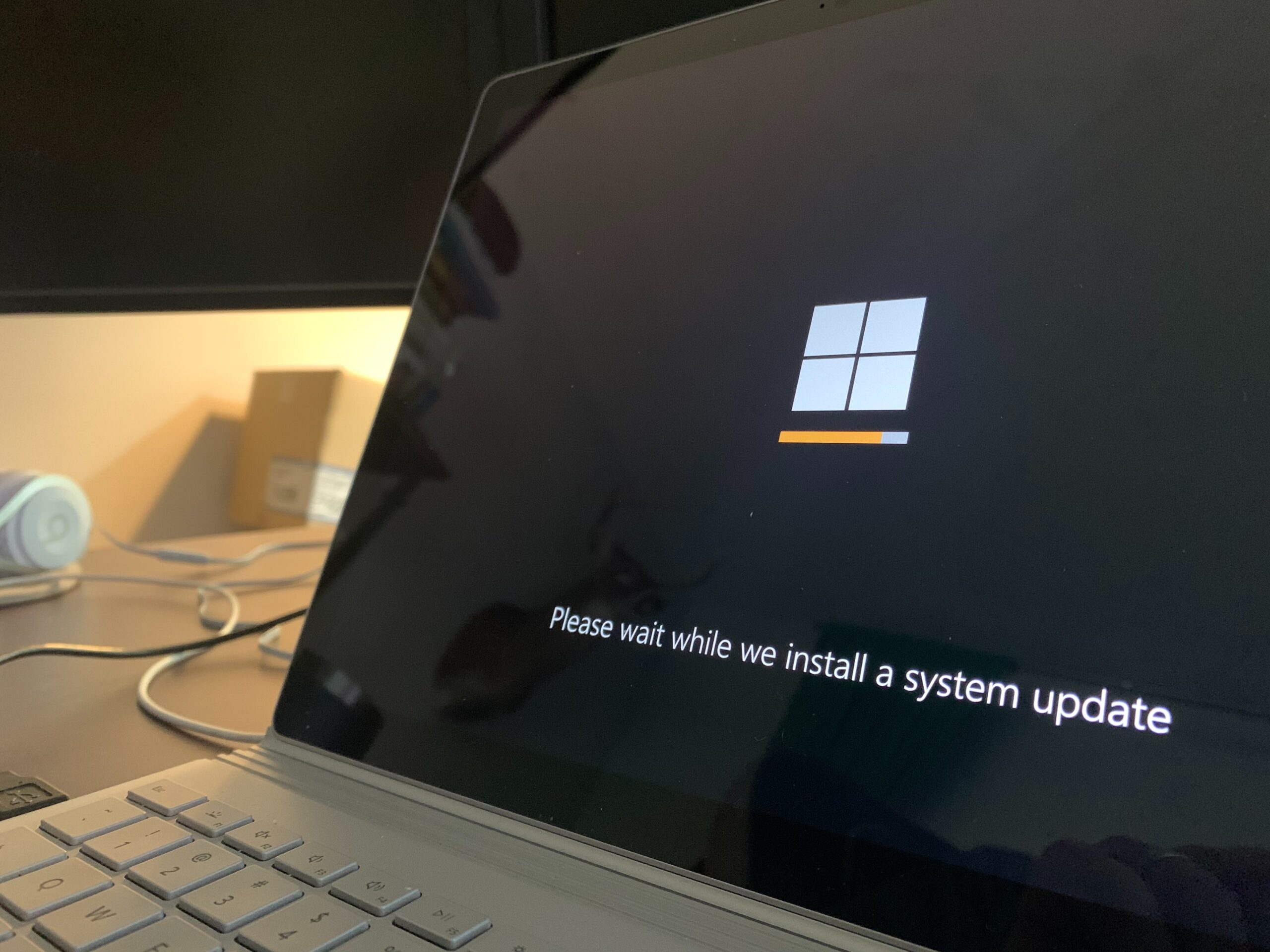
    Manufacturers often release software updates to enhance device performance, security, and fix bugs. Keep your tablet’s operating system up to date to ensure it stays optimized and functions smoothly. Additionally, regularly update the apps you use from the official app stores to maintain compatibility and avoid performance issues caused by outdated software.

    Manage Storage and Use Cloud Backup

    Overloading your tablet with unnecessary files and applications can slow it down and reduce its lifespan. Regularly clean up your storage by removing redundant files, uninstalling unused apps, and transferring media to cloud storage or external devices. Cloud backup services not only free up storage space but also protect your data in case of hardware failures.

    Monitor Battery Health

    The battery is a crucial component that determines how long your tablet can function on a single charge. To preserve battery health, avoid letting it completely drain frequently and avoid overcharging. Lithium-ion batteries, which are common in tablets, perform best when kept between 20% and 80% charge levels. Consider turning off unnecessary features like location services and push notifications to conserve battery life. iFixYouri performs free battery tests that will let you know how much life is left in your tablet.

    Maintain a Suitable Operating Environment

    Extreme temperatures can negatively impact your tablet’s performance and battery life. Avoid exposing it to direct sunlight, extreme heat, or cold for extended periods. Optimal operating temperatures are typically between 0°C and 35°C (32°F – 95°F). Additionally, keep the tablet away from humid environments and moisture-prone areas to prevent water damage.

    Perform Regular System Cleanups

    As you use your tablet, temporary files, cache, and other digital clutter accumulate. Performing regular system cleanups can help improve overall performance. Clear browser cache, delete temporary files, and use storage-cleaning tools available on your tablet’s operating system.

    Be Cautious with Software Installations

    When downloading and installing new software, be cautious about its source and legitimacy. Unofficial or pirated software might contain malware or viruses that can harm your tablet’s performance and security. Stick to trusted app stores and official websites for software installations.
    By following these essential tips, you can make your tablet last longer, ensuring optimal performance and enjoyment for years to come. Invest in protective accessories, keep the software updated, manage storage, monitor battery health, maintain an appropriate operating environment, perform regular cleanups, and be cautious with software installations. 
    Eventually every tablet has its day. If you are looking to get rid of your tablet, you can always get a free cash value quote from Tech Reboot. However, by taking good care of your tablet, you can extend its lifespan and get the most out of your investment. Happy tablet use!
  • Easy Smartphone Security Tips You Shouldn’t Ignore

    Easy Smartphone Security Tips You Shouldn't Ignore

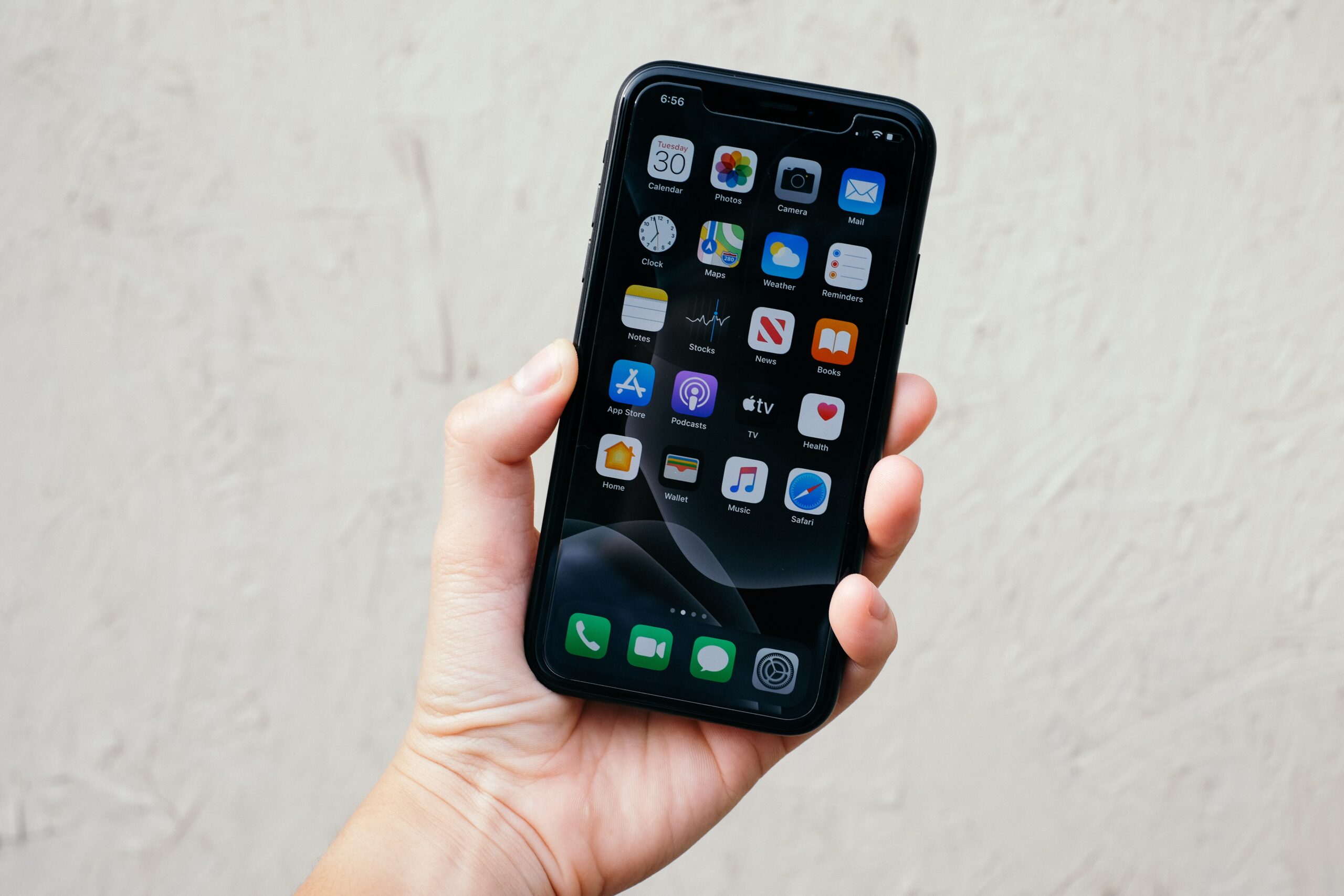
    Our smartphones have become like extensions of ourselves, helping us stay connected, shop, and keep important information at our fingertips. But in this digital age, we need to pay attention to the security of our beloved devices. Sneaky cybercriminals are always looking for ways to sneak into our smartphones and wreak havoc. So, let’s dive into some super simple security measures that can keep your smartphone safe and sound.

    1. Keep Your Phone Updated: Alright, I get it, updates can be a bit of a pain. But trust me, they’re worth it! Whenever your smartphone asks for an update, make sure you go for it. Those updates often include bug fixes and security patches to keep the bad guys at bay. So, don’t procrastinate—just hit that update button!
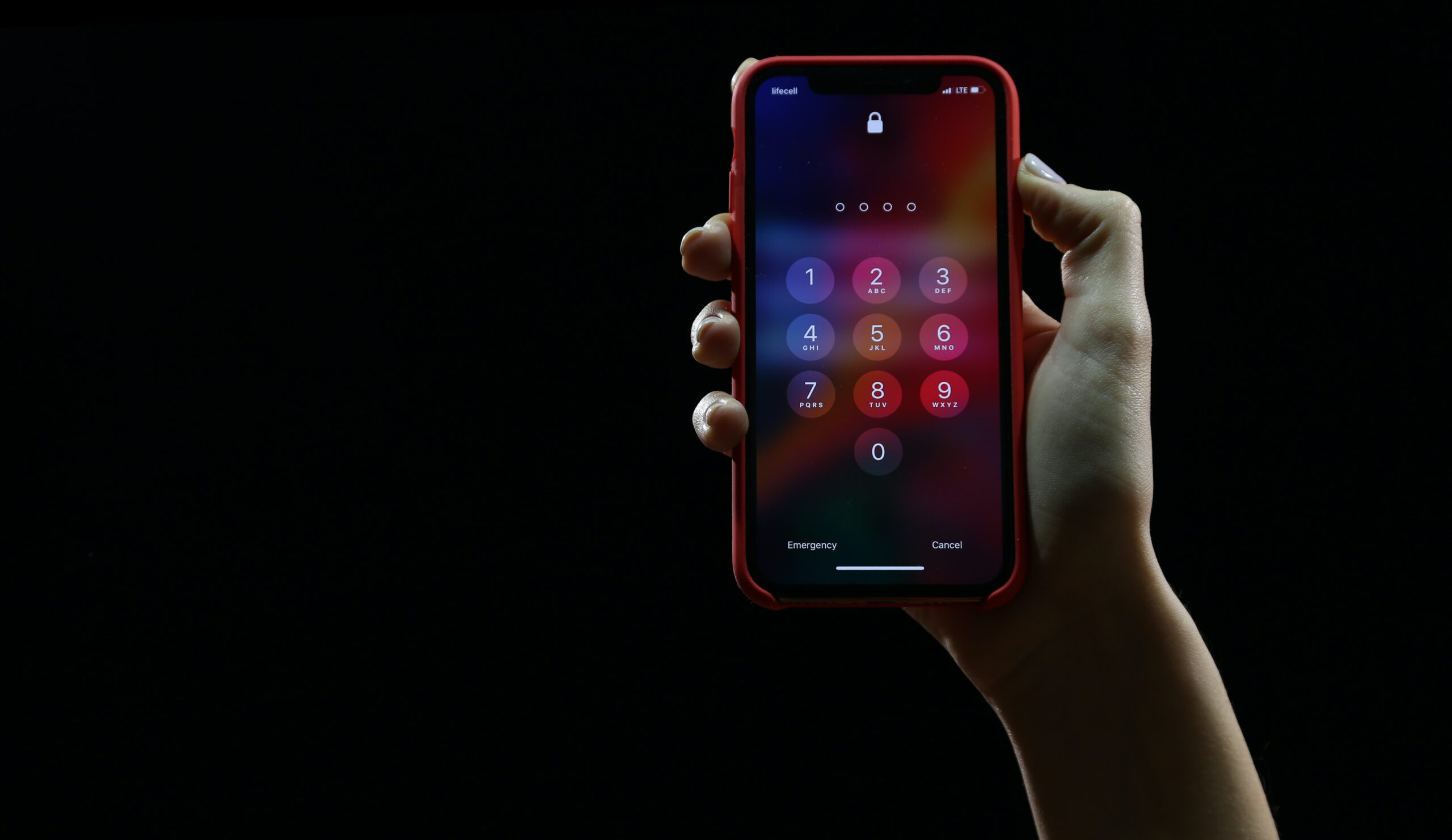
    2. Make Your Passwords Strong: Let’s talk about passwords, my friend. We’ve all heard it before, but it’s worth repeating: avoid using easy-to-guess passwords like “password123.” Instead, be a bit creative and mix it up with a combination of letters, numbers, and symbols. And hey, if you find it hard to remember all those passwords, consider using a password manager app. It’ll make your life way easier.
    3. Double Up with Two-Factor Authentication: Two-Factor Authentication may sound fancy, but it’s actually a superhero when it comes to securing your phone. Basically, it adds an extra layer of protection by asking for a code or confirmation in addition to your password. So, go ahead and enable this feature, especially for your important accounts. Trust me, it’s like putting a lock on a lock!
    4. Keep an Eye on App Permissions: You know those pesky app permission requests that pop up when you install new apps? Take a minute to read them. Sometimes apps ask for access to your contacts, photos, or other stuff they don’t really need. Be skeptical and only grant the permissions that make sense. Don’t let them snoop around more than necessary!
    5. Get Some Backup Love: Imagine this: your phone gets lost or stolen, or maybe it takes an unexpected dip in the pool. Poof! All your precious data is gone. To avoid this heartbreak, back up your phone regularly. Use a cloud storage service or an external drive to keep a copy of your important stuff. That way, even if disaster strikes, you can restore your phone like it’s no biggie.
    6. Be Wary of Public Wi-Fi: Public Wi-Fi can be a real lifesaver when you’re out and about, but it’s also a favorite hunting ground for cyber baddies. When connected to public Wi-Fi, avoid doing sensitive things like checking your bank account or sharing personal info. And if you really need to do those things, consider using a VPN to encrypt your data and keep it safe from prying eyes.
    7. Don’t Fall for Tricky Links and Downloads: Ah, the world of clickable links and tempting downloads. Be cautious, my friend! If you receive suspicious links in emails, texts, or social media messages, think twice before clicking. Those sneaky cybercriminals may try to trick you into giving up your personal info. Stick to trusted sources when downloading apps and files, and watch out for red flags.

    Conclusion: Your smartphone is your trusty sidekick, so it’s vital to keep it safe from cyber mischief-makers. Just remember to keep your phone updated, use strong passwords, enable two-factor authentication, and be careful with permissions, public Wi-Fi, and sketchy links. These simple steps will go a long way in safeguarding your precious device and keeping your digital life secure. Stay savvy, my friend, and keep that smartphone locked down!


    Photo by Yura Fresh on Unsplash

  • The Essential Guide to Smartphone Condition Grading: What You Need to Know

    The Essential Guide to Smartphone Condition Grading: What You Need to Know

    In today’s tech-driven world, smartphones have become an integral part of our lives. Whether it’s staying connected with loved ones, accessing information on the go, or capturing precious memories, these devices have revolutionized the way we live. However, when buying or selling a used smartphone, it’s crucial to understand its condition accurately. This is where smartphone condition grading comes into play. In this blog post, we will explore the concept of smartphone condition grading, its importance, and the different grading criteria commonly used in the market.

    Why is Smartphone Condition Grading Important?

    Smartphone condition grading serves as a standardized system to evaluate and communicate the overall condition of a used device. Whether you’re a buyer looking for a reliable purchase or a seller trying to determine a fair price, understanding the condition grading helps establish trust and transparency in the marketplace. By accurately assessing a smartphone’s condition, buyers can make informed decisions, and sellers can set appropriate pricing, ensuring a fair transaction for both parties.

    Tech Reboot Smartphone Condition Grading Criteria:


    Grade A: Excellent


    For a device to be in this condition, the following must also be true:

    • Zero scratches, scuffs, or other marks.
    • Looks new.
    • The display is free of defects such as dead pixels, white spots, or burn-in.
    • Original battery above 80% capacity.
    • Shows no signs of liquid intrusion or damage.
    • Powers on and functions 100% as intended.

    Grade B: Good

    For a device to be in this condition. The following must also be true:

    1. Normal signs of use to housing.
    2. No major scratches or dents.
    3. Glass is free of any cracks or chips.
    4. The display is free of defects such as dead pixels, white spots, or burn-in.
    5. Original battery above 80% capacity.
    6. Shows no signs of liquid intrusion or damage.
    7. Powers on and functions 100% as intended. 

    Grade C: Fair


    For a device to be in this condition. The following must also be true:

    1. Glass is free of any cracks or chips.
    2. Moderate signs of use. No major dents.
    3. Display is free of defects such as dead pixels, white spots, or burn-in.
    4. Original battery above 80% capacity.
    5. Shows no signs of liquid intrusion or damage.
    6. Powers on and functions 100% as intended. 

    Grade D: Broken


    Your device is in this condition if ANY of the following are true:

    1. Cracked Glass and or LCD display
    2. Damaged housing – bent, dent, deep scratching.
    3. Display defects such as dead pixels, white spots, or burn-in.
    4. Shows no signs of liquid intrusion or damage. 

    No Power


    The device does not power on or has unrepairable logic board issues.

    Smartphone condition grading is a crucial aspect of buying and selling used devices. By understanding the various grading criteria, buyers can make informed decisions and sellers can ensure fair pricing. Remember to assess the physical condition, functionality, and the inclusion of accessories when determining the overall grade of a smartphone. 

    This standardized grading system fosters trust and transparency in the marketplace, creating a win-win situation for all parties involved. So, the next time you consider purchasing or selling a used smartphone, be sure to consider the condition grading to make the b

  • AAPI Heritage Month: Google CEO Sundar Pichai

    AAPI Heritage Month: Google CEO Sundar Pichai

    Photo Credit: Justin Sullivan, 2017 Getty Images


    For Asian-American and Pacific Islander Appreciation Month, the team here at Tech Reboot wants to shine a light on people within the community who have significantly contributed to the tech industry, and in return, have positively impacted how we do our job. 

    To kick things off, this blog post will focus on Sundar Pichai, the CEO of Google.

    About Sundar Pichai

    Sundar Pichai, or Sundarajan Pichai, is an Indian-American executive and CEO of Alphabet Inc., the parent company of Google. 

    Before starting his career as a materials engineer, he earned numerous degrees and notable recognitions. 

    • B.S. from IIT Kharagpur in metallurgical engineering 

    • M.S. from Stanford University in materials science and engineering 

    • MBA from Wharton School of the University of Pennsylvania; Named a Siebel Scholar and a Palmer Scholar 

    After making his scholarly accomplishments, Pichai started his career at McKinsey & Co. management consulting firm. In 2004, he joined Google as a leader in the product management and innovation efforts for a suite of Google products such as Google Chrome, Chrome OS, and Google Drive (which is what this blog is being typed on). In August 2015, he was selected to become the next CEO of Google after being appointed product chief by the company’s CEO, Larry Page. He then joined Alphabet’s Board of Directors in 2017 and became its CEO in 2020. 

    In 2016 and 2020, Pichai made Time magazine’s 100 Most Influential People list as a result of his success.

    Google I/O 

    Google I/O, which stands for input/output or “Innovation in the Open,” is an annual developer event that highlights Google’s innovative ideas and allows attendees to connect with many of the most skilled developers from around the world to have insightful discussions, hands-on experiences, and first looks at the latest developer products.

    Pichai announced that significant announcements would take place during the conference this year, which took place from May 18 to May 20. 

    Here are some of the big announcements made this year:

    • With efforts to become more environmentally conscious, Google plans to be completely carbon-free by 2030. 

    • Google will update its cameras and white balance issues to appropriately capture people with darker skin tones, curly hair, etc. It will also be able to cover 288 skin conditions with Derm Assist.  

    • An updated Google Workspace so you can enjoy working from home. 

    • Soon, you will be able to use your smartphone as a remote for your Android TV. 

    • Photos will curate a series of pictures to showcase a certain memory, such as a family vacation. 

    • More AI updates. The better the AI, the better search results from natural language queries. 

    • Project Starline, a 3D video chat.

    The list of innovative ideas, upcoming projects, and updates goes on and on. 

    Thanks to Google CEO Sundar Pichai and his team, users of Google (such as the Tech Reboot Team) can continuously inform, connect, and learn. 

    AAPI Heritage Month: Google CEO Sundar Pichai  by Tech Reboot 

    Photo Credit: Kai Wenzel Via Unsplash


  • AAPI Heritage Month: Zoom CEO Eric Yaun

    AAPI Heritage Month: Zoom CEO Eric Yaun

    Photo Credit: Kena Betancur, 2019 Getty Images 

    For the next Asian-American and Pacific Islander Heritage Month spotlight, Tech Reboot will be focusing on someone who has made it possible for us and millions of others to stay connected no matter what. 

    Since last year, people have virtually been forced to move their entire lives online. Despite the world’s condition, people were still able to attend work meetings, complete their classes, and reunite with family members for celebratory moments thanks to Zoom and Eric Yaun. 

    Eric Yaun is the founder and CEO of Zoom Video Communications, a video chat software. As of April 2021, over 300 million people use Zoom. 

    There are other video conferencing programs like Skype and Google Duo, but Zoom surpasses them all in terms of performance and accessibility. 

    So how did Zoom get its start and suddenly rise to popularity within a year?

    Keep reading to find out how it was all done! 

    About Eric Yaun

    The son of two geology engineers, Yaun was born and raised in Tai’an, Shandong province, China. His upbringing influenced his future endeavors and education, which have led to the launch of his career.  

    • Bachelor’s Degree in applied mathematics, minor in computer application from Shandong University of Science and Technology

    • Masters Degree in geology engineering from China University of Mining and Technology 

    • Completed an executive program at Stanford University in 2006

    While in his first year of university in 1987, his long-distance relationship with his girlfriend inspired him to create a videotelephony software that would enable him to “visit” her without having to take a 10-hour train ride. 

    This was just the start of what would soon become Zoom.

    In 1997, Yuan moved to Silicon Valley to be a part of the tech boom after being influenced by Bill Gates, who spoke two years prior at a training program in Japan. He was so eager to move that he applied nine times before being granted a visa. 

    When he arrived in California, Yuan joined one of the first 20 hires at WebEx, a web conferencing startup. Cisco Systems acquired WebEx in 2007 and he became vice president of engineering.  

    In 2011, he pitched Zoom Video Communications to his management, but the idea was rejected. 

    Yuan decided to leave his company shortly after to fully Zoom, which is now one of the most successful smartphone-friendly video conferencing systems in the world. 

    Recognition and Accomplishments 

    Yaun became a billionaire in 2019, when Zoom went public, now worth $14.6 billion. He was named the Times Businessperson of the Year in 2020 and was included in the Times 100 Most Influential People in 2020.

    Without the contribution of Eric Yaun and Zoom, the world would be extremely disconnected.