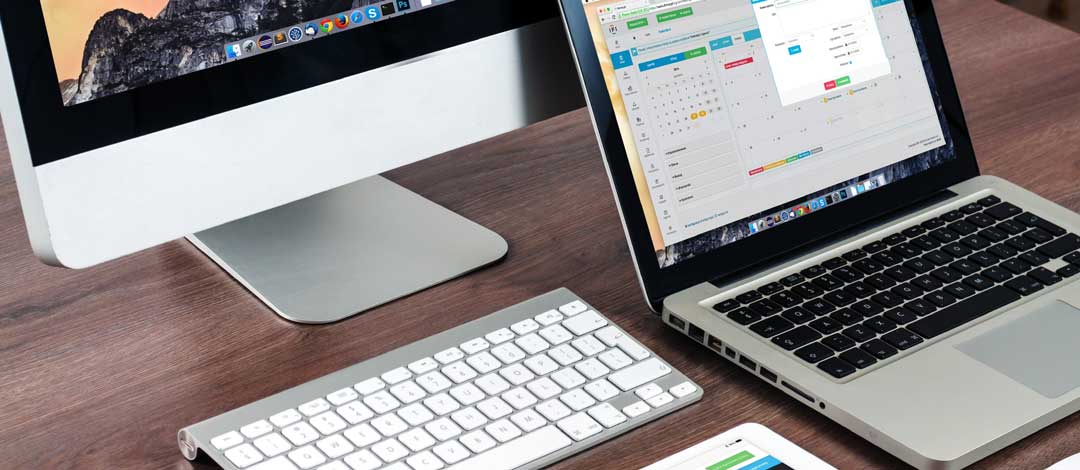
There are several steps that you should take before selling your MacBook.
The first thing you should always do is purchase your replacement device.
Before erasing anything off your old device, make sure that you have your new device so that you can get it all set up to the way you want it before removing anything off of your old computer. This is essential and will make your life 1 million times easier. Getting all your data transferred over to the new device and starting to use the new device before selling your old device will help make sure that nothing is missing and that you have everything you need.
Where to Store Your Backups
Data is very important to everybody nowadays and making sure that your data does not get into the hands of other people is critical. All the different methods of backing up your device can be very confusing as well.
Some use back up drives, some use cloud storage, offsite storage, on-site storage, so many different names, what do
they all mean?
They all mean pretty much the same thing. Cloud storage and off-site storage refers to data centers that are storing
your information for you. Backup drives and on-site storage refers to a physical drive that you would plug into your
computer to back up your data.
The risk with on-site storage is that there are very limited redundancies to help
ensure that your data will never be lost. If you’re on-site hard drive fails, you risk losing all of your data
permanently.
The wonderful thing about cloud storage and offsite servers is that 99.999% of them carry some sort of
redundancy so if one of their servers fails, your data will still be safe and secure because there
will be backups for backups.
There are a few steps that you have to take when selling a device.
Step 1 – Backup your MacBook’s Data
If you have a PC there’s plenty of software options available to help you back it up locally.
There are also several websites that you can easily access and sign up for that will automatically run a reoccurring
backup of your device.
Your documents are the most important turn your documents are the most
important to ensure that you have saved along with your pictures. You don’t want to lose your pictures, as you will
never be able to replace them if they are lost.
Dropbox and Carbonite offer great solutions for backing up your
data. If you need help in backing up your data, there are professionals out there that can help you with your data
back up as well as setting up a new device.
Step 2 – Sign out and Remove Passcode
If you’re selling a MacBook, make sure you signed out of iCloud and that
you are signed out of any software or FiOS locks that may exist on the computer. The last thing you wanna do is sell
somebody a computer that has your locks on, you’ll end up with a very upset customer or buyer.
The next
step that you want to do is to completely wipe the device and reset it to its factory defaults. Factory defaults are
exactly what it sounds like, the device is wiped and free and clear of any kind of personal data. This will ensure
that your data doesn’t go into the wrong hands.
To reset your device to factory defaults follow the
bootup prompts if you’re using a PC, Typically pushing the F5 key or F10 when starting up the computer will prompt
a boot up to save mode or a factory reset.
Step 3 – Clean Your MacBook
The last and final step when getting your device ready to sell would be to give it a proper
cleaning. Spray a rag with Windex and wipe down the entire device. This will make the device nice and clean for the
buyer and it will give it an overall better grade than if you were to leave the keyboard dirty and crusty with a
screen full of fingerprints. No one wants your old germs on their device, it’s the right thing to do.
One last, but very important quick step, you should make sure you fully charge the battery so that when your buyer
receives your device it easily boots up and starts working. You don’t want to run into a situation
where someone thinks a device that you sold them does not work. That could cost you time and money and a lot of
frustration on both your end and your buyer’s end.